How to Add Bin Locations to Shopify (And Why Metafields Fail at Scale)
Shopify wasn't built for bin-level picking. Here's why common workarounds like metafields and SKU hacks break down, and what actually works.
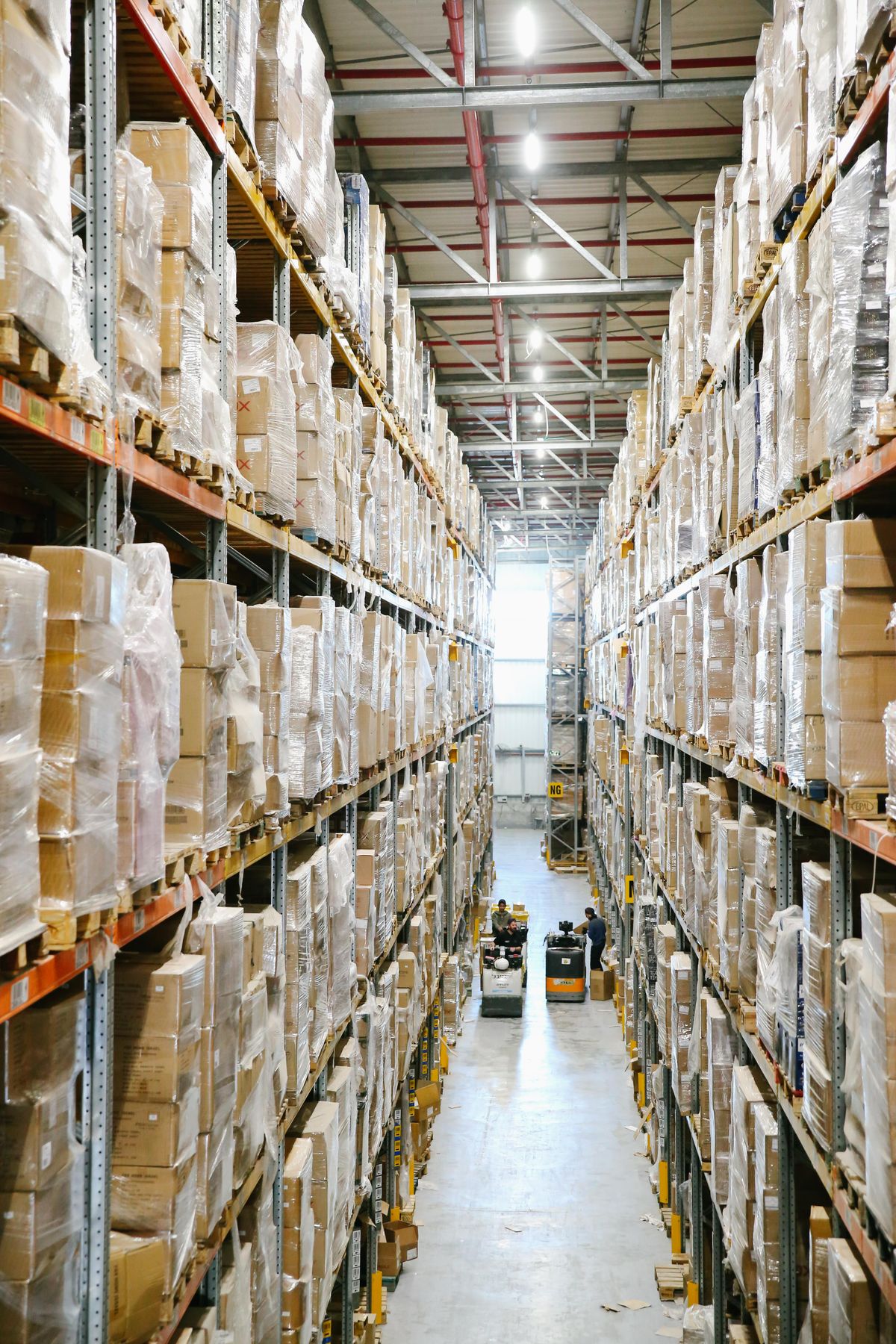
# The E-commerce Scaling Dilemma
If you run a growing DTC brand, you already know that Shopify is a great platform for processing transactions, managing customer relationships, and tracking macro-level inventory. But as your daily order volume increases, you'll inevitably hit an operational wall: Shopify wasn't built for granular, bin-level picking operations.
When an e-commerce operation scales beyond a single room and moves into a commercial facility, relying on human memory to locate products becomes a real liability. You need a system that tells your warehouse staff exactly which aisle, shelf, and bin holds the required product. When merchants ask support forums how to assign a specific warehouse location to a product, they usually get a list of messy, unsustainable database workarounds. Let's look at why the most common advice for adding bin locations to Shopify ultimately breaks down, and how to properly structure your data for scale.
# The Limitations of Native Shopify "Locations"
To understand the problem, we need to look at how the platform handles inventory natively. Shopify has a concept called "Locations." This feature works great for distinguishing between macro-level inventory sources. For example, it can separate the stock held at your primary Ohio fulfillment center from the stock at your retail storefront in New York. But a "Location" in Shopify is a broad bucket. It can't natively subdivide that Ohio warehouse into Aisles, Racks, Shelves, and individual Bins. If you have 10,000 items in Ohio, Shopify simply tells you they're in Ohio, leaving your pickers to wander the floor to find them.
You can technically upload a CSV file that contains a "Bin location" column directly into Shopify's admin, but this data field is mostly static. It doesn't dynamically translate into optimized, location-sorted pick lists during the actual fulfillment workflow without external applications.
# Workaround 1: The Metafield Mess
The most frequently suggested workaround in community forums is using custom metafields to store location data. Metafields let merchants attach custom data points to a product or variant. In theory, you create a metafield called "Bin Address" and type "A1-B2" into it.
This works fine for a catalog of twenty items, but it becomes an administrative nightmare at scale. Metafields are hard to update in bulk during fast-paced receiving workflows. If a high-velocity item takes up too much physical space and needs to be split across two different bins, a single text metafield can't handle the split inventory logic. When it's time to fulfill orders, Shopify's native order printing doesn't automatically sort items by this custom metafield, so your pickers will still walk highly inefficient, zigzagging paths across the warehouse.
# Workaround 2: Co-opting the SKU Field
Another common (and risky) workaround involves hijacking the Stock Keeping Unit (SKU) field. Merchants will often prepend or append the physical location to the product identifier. For example, a black t-shirt might have its SKU changed from BLK-TSHIRT-MED to A1-BLK-TSHIRT-MED.
This completely breaks down the moment you need to physically relocate an item to make room for new seasonal stock. Moving the item requires changing the core SKU, which can sever the historical data tie in your analytics, disrupt your reordering forecasting, and confuse your purchasing team. Inventory is fluid by nature; your product identifiers need to stay static.
# Workaround 3: Barcode and Title Tampering
Maybe the most damaging advice sometimes given by support staff is to change the product barcode data or the product title to reflect the stock location. This is a terrible idea. Altering your Global Trade Item Numbers (GTINs) or barcodes to include a warehouse shelf number destroys your data syndication to external advertising platforms. If you push that modified data to your Google Merchant Center feeds, your products will likely get flagged and suspended for invalid GTINs, instantly killing your paid acquisition channels.
# The Solution: A Lightweight Operations Layer
To prevent a systemic database breakdown, you need a solution that bridges this API gap natively without destroying your foundational data. You don't necessarily need a massive enterprise system; you need a focused operations layer.
BinTech was built specifically to solve this problem. Operating as a lightweight application connected to your admin, it subdivides Shopify's on-hand inventory into exact physical bin locations. It maps your physical bins directly to your pick lists without ever requiring you to mess up your SKUs, tamper with your barcodes, or rely on brittle metafields.
By separating the digital catalog from the physical warehouse address, you can assign multiple bins to a single SKU, relocate items on the fly, and automatically generate location-sorted pick lists using one of three built-in strategies (priority order, single-bin preference, or pick-to-empty). Your pickers get a list that tells them exactly where to go instead of wandering the floor, and your e-commerce data stays clean.