BinTech vs EasyScan: Barcode Scanning and Bin Locations
EasyScan brings barcode workflows to Shopify, including a bin-location lookup. BinTech treats bins as the core model rather than a lookup. That sounds like a small difference until a SKU needs to live in two bins at once.
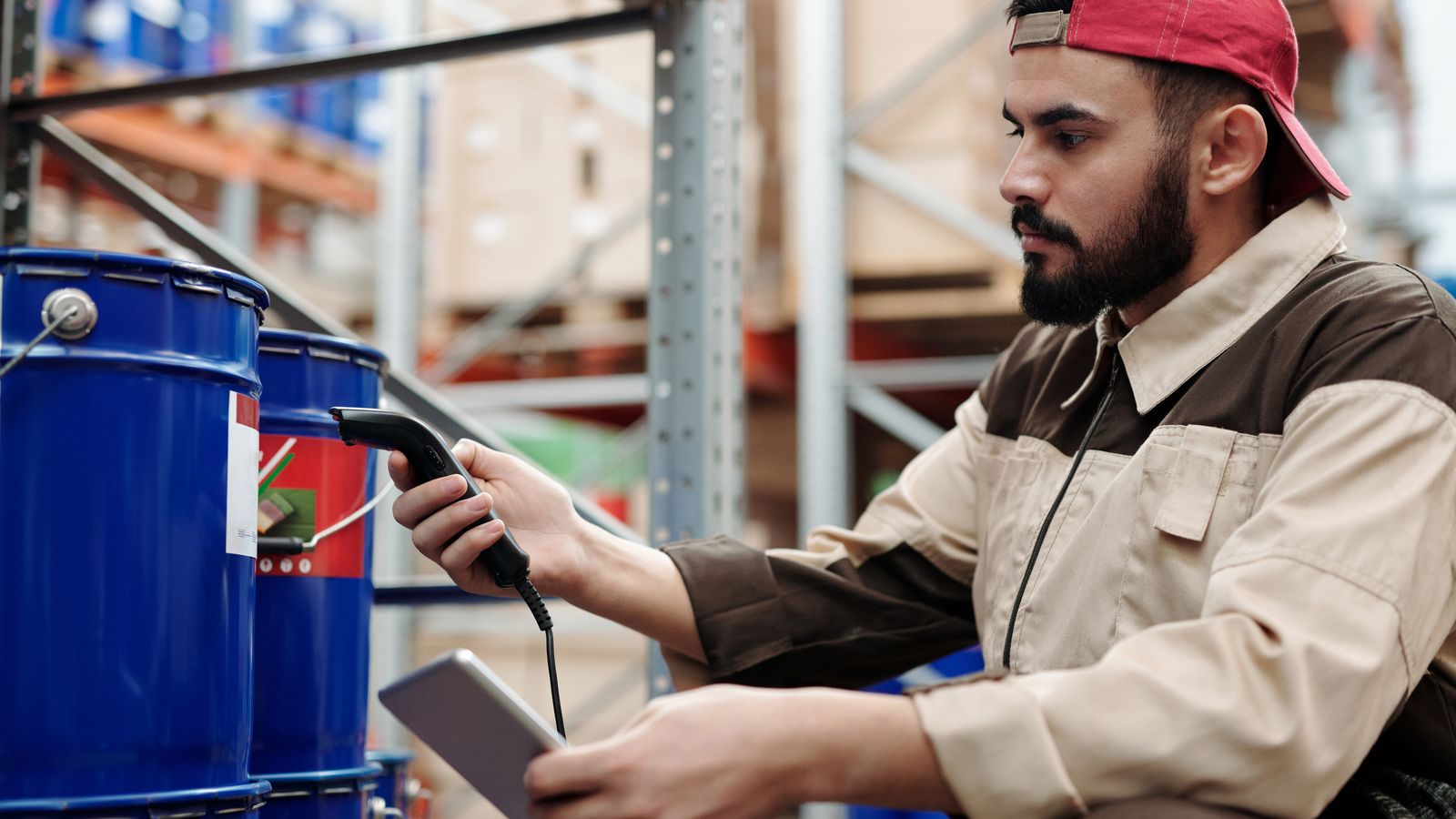
# A Scanning Tool With Bins vs a Bin Tool
EasyScan is built around the barcode scanner. It speeds up receiving, stock takes, and order picking by letting staff scan instead of type, and it includes a bin-location feature so you can look up where a product sits. If your team already works with scanners and you want to cut manual entry, that is a solid fit.
BinTech starts from the bins themselves. The physical map is the model, not an add-on: a SKU can live in several bins across several locations, pick lists route through those bins in walking order, and cycle counts reconcile each bin back to Shopify. A picker can tick a line by pointing a phone camera at a barcode, SKU, or bin label. BinTech also prints Code128 labels and can copy SKUs into Shopify barcode fields from the Products page. Scanning and barcode setup support the pick flow rather than becoming the whole product.
# The Multi-Bin Question
The clearest way to choose is to ask how your stock is stored. If each SKU has one shelf and you mainly want to scan it quickly, a scanning tool with a location field covers you. If your products split across a picking bin and an overstock shelf, or across more than one warehouse, you need a tool that treats one SKU as living in many places at once and keeps the quantities straight.
That multi-bin reality is where a single location field, whether in a metafield or a simpler app, starts to strain. BinTech was built specifically for it, including a variance bin that catches external changes for review instead of letting counts drift.
# Picking Between Them
Choose EasyScan if scanner-driven speed across receiving, stock takes, and picking is your main goal and your storage is straightforward. Choose BinTech if the storage itself is the problem: multiple bins per SKU, multiple locations, pick routing, and keeping counts accurate over time. Both let staff scan, so the deciding factor is usually the storage structure rather than scanning itself.
BinTech's free tier covers a single small warehouse, and the paid tiers scale by catalog and location rather than order volume (see the pricing page ). If bin structure is what you are missing, start with the getting started guide .
Frequently asked questions
Does BinTech support barcode scanning?
Yes. On a pick list, a picker points a phone camera at a barcode, SKU, or bin label and BinTech ticks the matching line. Scanning is available on every plan, including Free. BinTech also prints labels and can copy SKUs into Shopify barcode fields from the Products page. It is not a scanner-hardware suite for receiving and stock takes, which is where a scanning-first tool like EasyScan is built to run. BinTech focuses on multi-bin tracking and location-sorted picking.
What is the real difference between them?
EasyScan is a scanning tool that includes a bin-location lookup. BinTech is a bin-tracking tool where multiple bins per SKU, multi-location support, and cycle-count reconciliation are the core model. Pick based on whether your problem is data-entry speed or the storage structure itself.