How to Add Bin Locations to Shopify: Native and Multi-Bin Options
Shopify now supports one native bin per variant and location. Here is how to set it up—and what to use when one SKU occupies several physical bins.
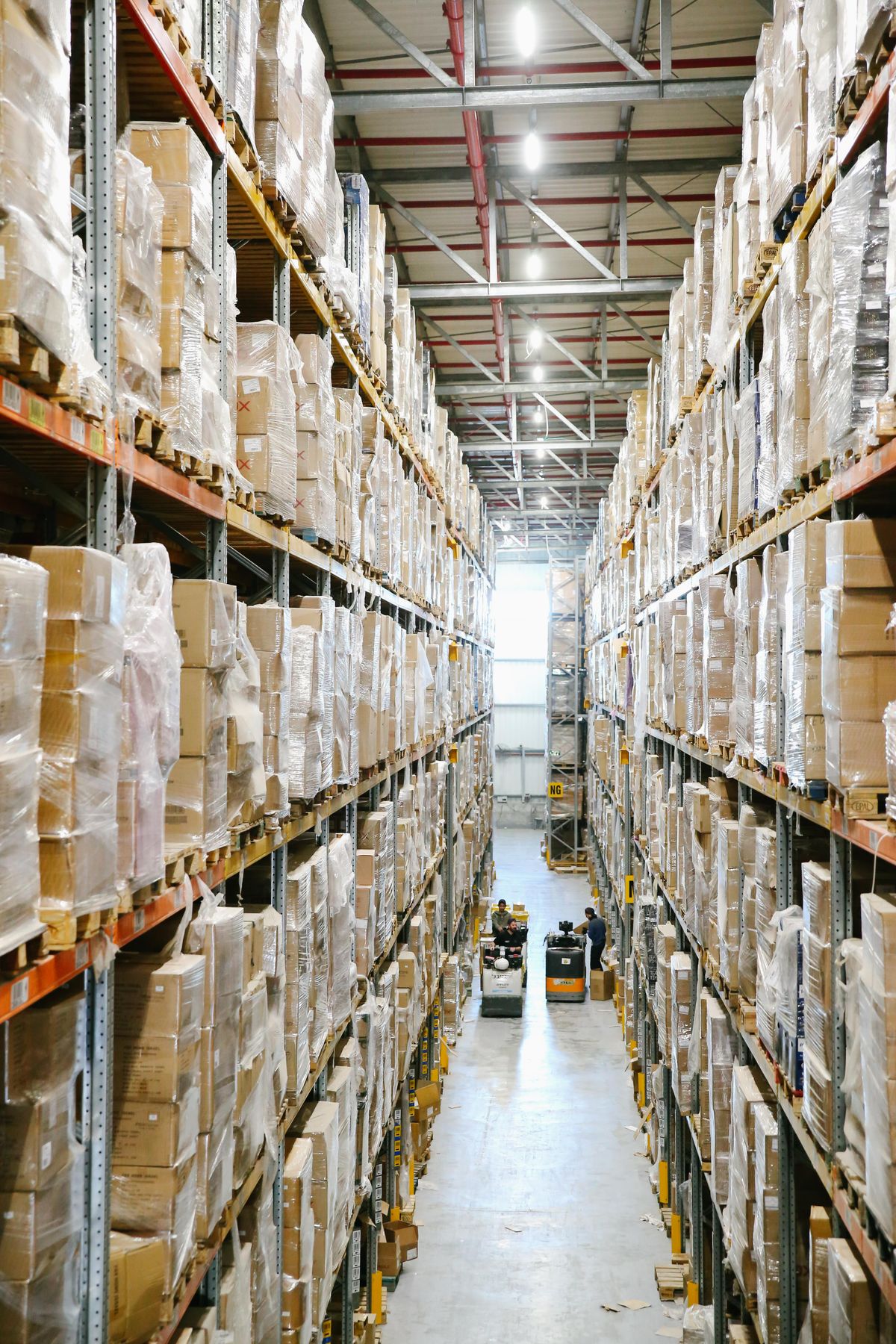
# The E-commerce Scaling Dilemma
Shopify now includes a native Bin name field for inventory. Merchants can assign one bin to a variant at each Shopify Location through an inventory CSV or the bulk editor, view it on the Inventory page, and use the value on Shopify pick lists. For a catalog where every variant has one permanent shelf, that is a clean place to start.
The operational wall now appears later: when one SKU occupies a pick face and an overstock shelf, when the warehouse needs a quantity for each bin, or when the picking system must choose which bin can fulfill an order. At that point a single label is no longer the same thing as bin-level inventory. This guide separates the native setup from the workarounds and the multi-bin model used at scale.
# What Native Shopify Bin Locations Can Do
Shopify "Locations" remain the broad inventory sources: a warehouse, retail store, or fulfillment service. Inside each Location, the native Bin name field adds one shelf or compartment label to each variant. Export the current inventory CSV, fill the Bin name column, and import it again; after the first import, the values can also be changed in the bulk editor.
Shopify can display those names in inventory and print pick lists in bin-name order. Its boundary is quantity: each variant has one bin name per Location, while the on-hand number remains at the Location level. It does not record that 8 units sit in A-01 and another 42 units sit in OVERSTOCK-03. If you need that split, read the dedicated guide to tracking one Shopify SKU across multiple bins .
# Workaround 1: The Metafield Mess
The most frequently suggested workaround in community forums is using custom metafields to store location data. Metafields let merchants attach custom data points to a product or variant. In theory, you create a metafield called "Bin Address" and type "A1-B2" into it.
This works fine for a catalog of twenty items, but it becomes an administrative nightmare at scale. Metafields are hard to update in bulk during fast-paced receiving workflows. If a high-velocity item takes up too much physical space and needs to be split across two different bins, a single text metafield can't handle the split inventory logic. When it's time to fulfill orders, Shopify's native order printing doesn't automatically sort items by this custom metafield, so your pickers will still walk highly inefficient, zigzagging paths across the warehouse.
# Workaround 2: Co-opting the SKU Field
Another common (and risky) workaround involves hijacking the Stock Keeping Unit (SKU) field. Merchants will often prepend or append the physical location to the product identifier. For example, a black t-shirt might have its SKU changed from BLK-TSHIRT-MED to A1-BLK-TSHIRT-MED.
This completely breaks down the moment you need to physically relocate an item to make room for new seasonal stock. Moving the item requires changing the core SKU, which can sever the historical data tie in your analytics, disrupt your reordering forecasting, and confuse your purchasing team. Inventory is fluid by nature; your product identifiers need to stay static.
# Workaround 3: Barcode and Title Tampering
Maybe the most damaging advice sometimes given by support staff is to change the product barcode data or the product title to reflect the stock location. This is a terrible idea. Altering your Global Trade Item Numbers (GTINs) or barcodes to include a warehouse shelf number destroys your data syndication to external advertising platforms. If you push that modified data to your Google Merchant Center feeds, your products will likely get flagged and suspended for invalid GTINs, instantly killing your paid acquisition channels.
# The Solution: A Lightweight Operations Layer
To prevent a systemic database breakdown, you need a solution that bridges this API gap natively without destroying your foundational data. You don't necessarily need a massive enterprise system; you need a focused operations layer.
BinTech was built specifically to solve this problem. Operating as a lightweight application connected to your admin, it subdivides Shopify's on-hand inventory into exact physical bin locations . It maps your physical bins directly to your pick lists without ever requiring you to mess up your SKUs, tamper with your barcodes, or rely on brittle metafields.
By separating the digital catalog from the physical warehouse address, you can assign multiple bins to a single SKU, relocate items on the fly, and automatically generate location-sorted pick lists using one of three built-in strategies (priority order, single-bin preference, or pick-to-empty). Your pickers get a list that tells them exactly where to go instead of wandering the floor, and your e-commerce data stays clean.