How to Organize a Small Shopify Warehouse
Moving your first pallet of stock into a rented unit is exciting right up until the day nobody can find the blue hoodies. Here is how to lay out a small warehouse so picking stays fast while you are still small enough to change everything cheaply.
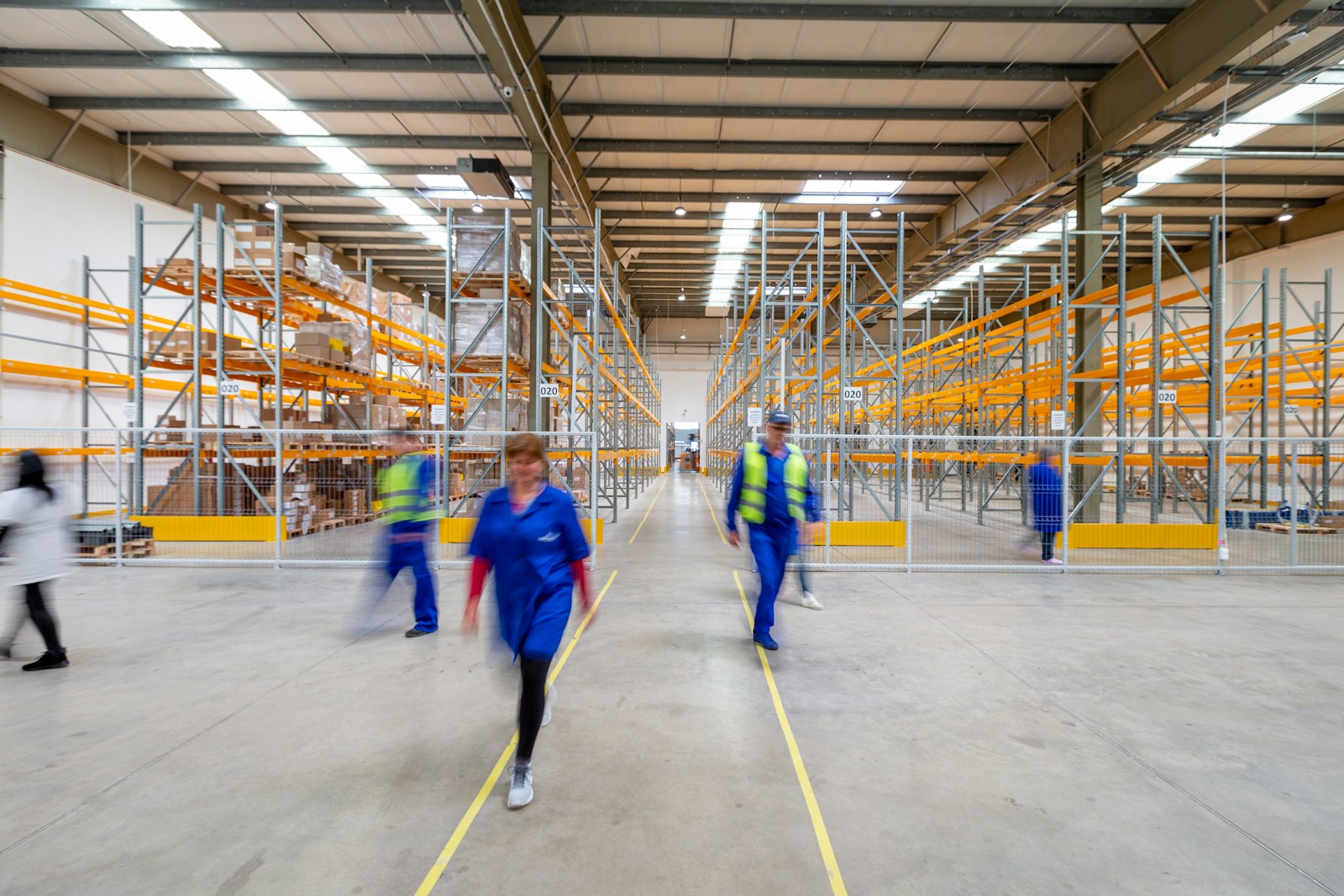
# Start With How Stock Moves, Not Where It Sits
The instinct when you get the keys to a new unit is to start filling shelves. Resist it for a day. Before anything goes on a rack, walk the empty room and trace the path a product takes from the moment it arrives to the moment it leaves in a box. Stock comes in a door, gets checked, gets put away, gets picked, gets packed, and goes back out a door. If those steps cross over each other, you will feel it every day for the length of your lease.
In a small space the whole path should read like a horseshoe or a straight line. Receiving at one end, putaway into the shelving in the middle, a packing bench near the outbound door. The goal is that a picker never walks past the packing station to reach stock and then walks all the way back. You are not designing for a thousand orders a day yet. You are making sure the fifty you do ship do not each cost an extra minute of wandering.
# Divide the Room Into Zones
Once you know the flow, break the room into zones with a real purpose behind each split. The two that matter most early on are pick speed and product type. Fast movers go close to packing. Fragile or heavy items get grouped so a picker is not carrying a glass candle jar in the same trip as a twenty pound kettlebell. Anything that needs to stay cool or dry gets its own corner away from the loading door.
Keep the number of zones small. Three or four is plenty for a single room. Every extra zone is another decision your team has to make on receiving day, and the whole point is to remove decisions, not add them. You can always split a zone later once you can see which shelves are heaving and which sit empty.
# Give Every Bin a Name You Can Read Out Loud
A bin location is only useful if a new hire can find it without asking. Use a short, consistent code that goes from the general to the specific: aisle, then bay, then shelf. Something like A-02-3 reads as aisle A, bay 2, shelf 3. Print the labels large, stick them at eye level, and make sure the numbering runs in the order you actually walk, not the order the shelves were built.
Two rules save you pain later. Never bury a product's identity inside the location code, and never bury the location inside the SKU. The shelf name and the product name are separate things, and they need to stay that way so you can move stock around without breaking your Shopify data or your reports. If you want the longer version of why that matters, we wrote about adding bin locations to Shopify without wrecking your data .
# Put Your Fast Movers Where the Walking Stops
Not every product deserves a prime shelf. In most shops a small share of items shows up in most of the orders, and those are the ones worth placing at waist height within a few steps of the packing bench. The slow sellers can live on the top shelves and in the far corner, because reaching them once a week costs you almost nothing.
You do not need software to start on this. Pull your last two or three months of orders from Shopify, sort your variants by how many orders each one appears in, and slot the top of that list closest to packing. We go deeper on the method in the piece on running an ABC analysis on your Shopify data , but even a rough version beats leaving placement to chance.
# Fix Receiving Before It Poisons Everything Else
Most inventory problems are born at the receiving door. A box arrives, someone is busy, and the units get shoved onto the nearest empty shelf with a note to sort it out later. Later never comes. Now your count says the stock is here, which it is, but nobody knows where, which is the same as not having it.
Give receiving a fixed routine. Check the delivery against the purchase order, put the units into a known bin, and record that bin before the next task starts. It takes an extra thirty seconds per line and it is the single highest return habit in a small warehouse. Stock that is put away properly on the way in is stock your pickers can actually find on the way out.
# When a Spreadsheet Stops Being Enough
A spreadsheet of bin locations works fine when you have one room and a short catalog. It starts to crack when a single product lives in two bins, when you add a second location, or when a picker needs a list sorted by the order they should walk rather than the order the items were bought. Shopify itself only gives you one bin field per product, so the spreadsheet ends up as a parallel system you have to keep in sync by hand.
That is the point where a light layer on top of Shopify earns its keep. BinTech keeps the physical address separate from the product, lets one product sit in several bins, and turns each order into a location-sorted pick list your team can follow without backtracking. There is a free tier for a single small room, and the paid tiers scale by catalog and locations rather than by order volume (current prices and limits are on the pricing page ). If you are ready to set it up, the getting started guide walks through the first bins.
Frequently asked questions
How small is too small to bother organizing a warehouse?
If you can pick every order from memory without walking past the packing bench, you are probably fine. The moment you hire someone who does not know where things are, or you find yourself hunting for stock during a busy day, it is worth spending an afternoon laying out zones and labeling bins.
What is the best bin naming scheme for a small space?
Go from general to specific and keep it short: aisle, bay, shelf, for example A-02-3. Number the aisles in the order you walk them, print the labels large, and put them at eye level. Consistency matters more than the exact format.
Should I organize by product type or by how fast things sell?
Both, in that order. Group by type first so fragile, heavy, and temperature-sensitive items are sensibly placed, then within reach of packing put the items that appear in the most orders. Type keeps you safe, pick speed saves you time.
Do I need warehouse software or is a spreadsheet enough?
A spreadsheet is fine for one room and a short catalog. Once a product lives in more than one bin, you add a second location, or you want pick lists sorted by walking order, a spreadsheet becomes a second system to maintain by hand. That is usually when a Shopify-connected tool pays for itself.